

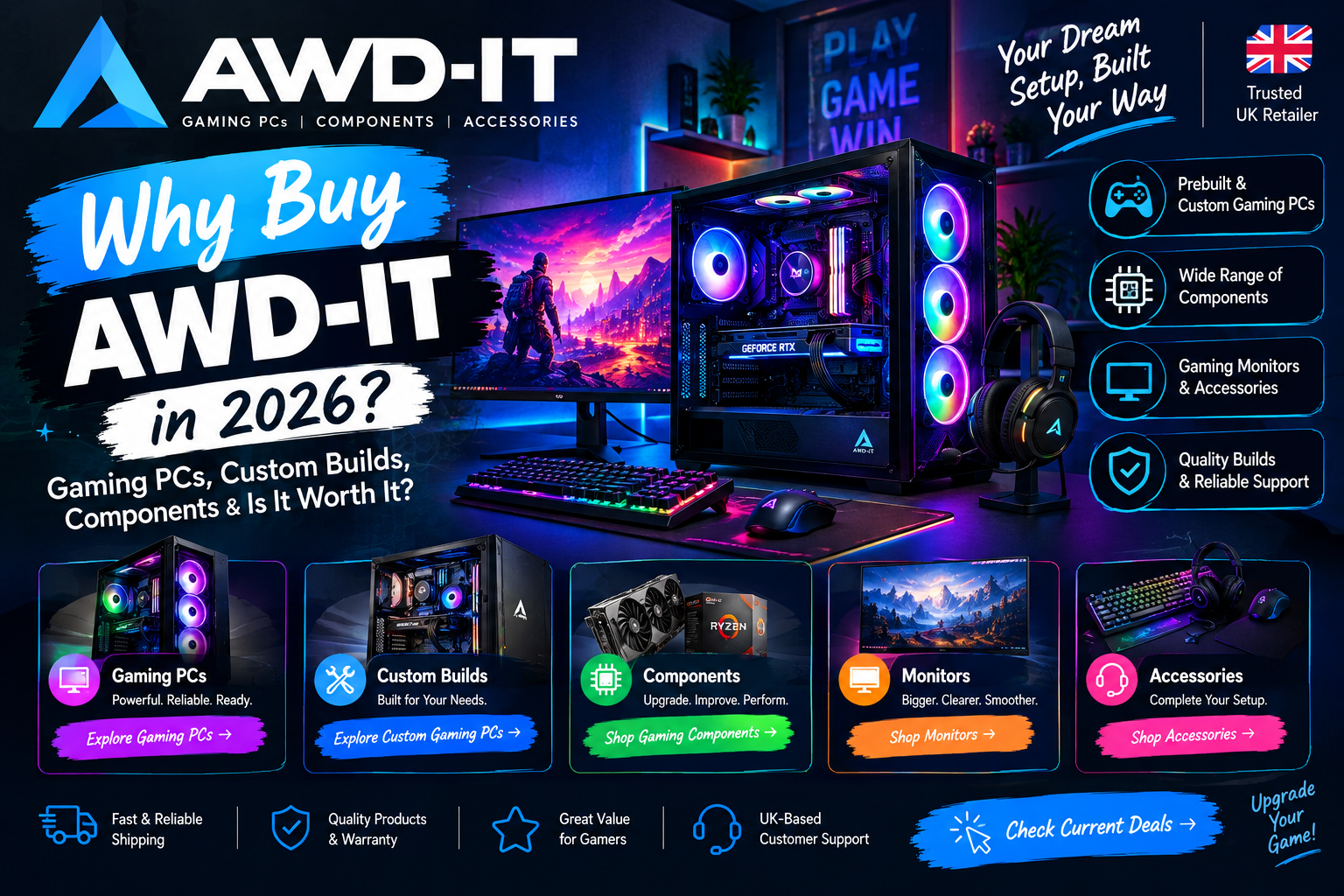
Why AWD-IT Is Worth Exploring
Buying a gaming PC can feel like homework. There are dozens of graphics cards, processors, and memory kits, and every brand promises the best performance for the price. Many people end up stuck between building a PC themselves, which takes time and know-how, and buying a prebuilt machine from a retailer they’ve never heard of.
AWD-IT sits in the middle of that choice. It’s a UK gaming PC specialist that sells prebuilt systems, bundles, components, monitors, and accessories, all from one website. If you’re wondering “Why buy AWD-IT?”, this guide covers what the company offers, how its PCs are organised by budget, how prebuilt and custom options compare, and what to check before you pay.
One honest note up front: we can’t promise any particular frame rate or guarantee a specific discount. Performance depends on the games you play, your screen, and your settings, and prices change often. Please confirm all current details on the official site.
What Is AWD-IT?
AWD-IT describes itself as a destination for gaming PCs, components, and peripherals, with a team it says has over 50 years of combined industry experience. The company is based in Newcastle-under-Lyme in the UK, and its site shows the ADMI Limited copyright.
The range is broad. You’ll find:
- Prebuilt gaming PCs, including white builds, bundles, and “Next Day” systems
- Systems by brand and graphics card, such as NVIDIA RTX, AMD, MSI, ASUS, and Corsair iCUE builds
- PCs by game, with pages for titles like Valorant, Fortnite, League of Legends, Call of Duty: Warzone, Minecraft, Apex Legends, and Cyberpunk 2077
- Components, from CPUs, motherboards, and memory to graphics cards, SSDs, power supplies, cases, and cooling
- Gaming monitors, keyboards, mice, headsets, chairs, and desks
- Business and trade systems for companies and resellers
Why Buy AWD-IT in 2026?
Here are the main reasons gamers consider AWD-IT, based on what the website says.
A UK-based specialist. Instead of a general electronics store, you’re buying from a company focused on gaming hardware.
Three-year warranty on PCs. The site lists a standard 3-year warranty on gaming PCs that covers parts and labour. There’s also an optional Platinum 5-year warranty with extended labour cover. Read the warranty page for the full terms and exclusions.
Support beyond the warranty. AWD-IT says it offers lifetime technical support and remote desktop support, which may help with non-hardware issues, as long as your PC can power on.
Free UK mainland delivery. The homepage advertises free delivery to the UK mainland, with next-day services available as an extra. Check the delivery page for details and exclusions.
Flexible payment options. Klarna and Novuna finance are listed on the site. Finance is subject to approval and terms, so only borrow what you can comfortably repay.
Customer ratings. The site displays a 4.4-star rating linked to Trustpilot. Ratings change, so check the live page and read a mix of reviews.
Express build times. The homepage highlights faster build times and a “Next Day” range, although availability varies by product.
Best Gaming PCs for Different Budgets
AWD-IT sorts PCs by price bands: under £500, £500 to £1,000, £1,000 to £2,000, and enthusiast systems above £2,000. Here’s how to think about each range, using examples from the site at the time of writing. Prices change, and the site shows two prices on listings, which appear to be with and without VAT, so check the basket before you decide.
Budget Gaming PCs (Around £700 to £1,000)
If you mainly play esports titles or older games at 1080p, a budget system may be enough. Examples listed included the Hecate with a Ryzen 5 and RTX 5050 at around £840 and the Charger, a Next Day PC with a Ryzen 5 and RTX 5060, at around £860 on a special price. A site blog also covers affordable builds for 1080p gaming.
Mid-Range Gaming PCs (Around £1,000 to £1,800)
This is where many gamers land. Examples included the Erebus with a Ryzen 7 and RTX 5060 Ti at around £1,240, the Solar with an RX 9070 XT at around £1,400, and the EX5 with a Ryzen 5 9600X and RTX 5070 at around £1,700. These suit players who want higher settings or 1440p gaming, though results vary by game.
High-End Gaming PCs (Above £1,800)
For 4K gaming, streaming, or heavy creative work, look at systems like the Atlas with an RX 9070 XT and 32GB of DDR5 RAM at around £1,850, or the Y70 Touch Infinite with a Ryzen 7 7800X3D and RTX 5080 at around £3,080.
Remember that a PC’s real-world performance depends on the game, resolution, settings, and cooling. Use these as starting points, not guarantees.
Prebuilt vs Custom Gaming PCs
Both routes can work. The right one depends on your confidence and priorities.
Prebuilt gaming PCs come assembled, tested, and covered by warranty. AWD-IT’s listings are marked “Built to order” with a Configure option, so you can usually adjust key specs before buying, depending on the model. This suits people who want a ready-to-play system without sourcing parts.
Custom gaming PCs give you the most control. You choose the case, processor, graphics card, memory, and storage yourself. That can be rewarding if you enjoy the process, and it lets you spread the cost over time. The trade-off is more research, and you’re responsible for compatibility checks.
A practical rule of thumb: choose prebuilt if you want convenience and a single warranty, and choose custom or component-based upgrades if you already have parts or enjoy building. Either way, compare builds side by side before you commit.
Gaming PC Components, Monitors and Accessories
A strong PC is only part of the setup. AWD-IT also sells everything around it.
Components. The site covers CPUs, motherboards, memory (DDR4 and DDR5), graphics cards from NVIDIA and AMD, SSDs, hard drives, power supplies, cases, and cooling. There are also motherboard and CPU upgrade bundles for AMD Ryzen and Intel platforms, which can help if you’re refreshing an older PC. Stock changes quickly, and some items showed as out of stock at the time of writing.
Gaming monitors. The monitor range includes OLED, curved, 4K, ultrawide, and budget options. Examples included a 27-inch QHD 200Hz ASUS TUF monitor at around £180 and OLED models from ASUS and Gigabyte at higher price points. Match your monitor to your PC, since a high refresh rate only helps if your system can drive it.
Peripherals and setups. Keyboards, mice, headsets, chairs, desks, streaming gear, and sim racing products are all listed.
Key Features, Benefits, Pros and Cons
Key features and benefits
- Wide range of prebuilt systems, bundles, components, and monitors
- Systems organised by budget, brand, graphics card, and game
- 3-year warranty on PCs, with an optional 5-year upgrade
- Free UK mainland delivery, with Next Day options
- Lifetime technical support and remote desktop support
- Finance options through Klarna and Novuna
Pros
- One website for PCs, upgrades, and peripherals
- Clear warranty and returns information
- Choice across budgets, from entry-level to enthusiast
- Content such as game-specific PC pages and a gaming blog
Cons
- Prices and stock change quickly, especially for graphics cards
- Prebuilt PCs can cost more than building one yourself
- Returns for unwanted items have a 14-day window, and return shipping is the buyer’s responsibility
- The warranty is non-transferable and excludes accidental damage and software issues
- Performance varies by game and settings
How to Choose the Right Gaming PC
- Set your budget. Decide what you can spend, including a monitor and accessories if you need them.
- Pick your resolution. 1080p, 1440p, and 4K need very different graphics power.
- Think about your games. Competitive esports titles are usually lighter than demanding open-world games. AWD-IT’s game pages can help narrow the choice.
- Prioritise the graphics card. For most gaming builds, the GPU matters most, followed by the processor and memory.
- Check storage and memory. Look at SSD size and RAM, since modern games take up a lot of space.
- Plan for upgrades. A good motherboard and power supply leave room to improve later.
- Read the warranty and returns terms. Know what’s covered before you pay.
- Compare builds and prices. Use the “Configure” option and check the total with delivery and any extras.
Is AWD-IT Worth Buying in 2026?
For many UK gamers, AWD-IT is worth a close look. It offers a wide range of gaming PCs, a clear warranty, support options, and convenient delivery, plus components and monitors under one roof. The main trade-offs are the usual ones with gaming hardware: prices and stock move quickly, and prebuilt systems cost more than DIY in return for convenience and support.
It may suit you if you want a ready-to-play PC with warranty backing, or an easy way to upgrade parts. It may be less suitable if you’re an experienced builder chasing the absolute lowest part prices.
Our advice is simple: pick a budget, shortlist two or three systems, check the full specs, and read the warranty and returns pages. Then check current prices to see what’s available.
Frequently Asked Questions
Why buy AWD-IT instead of building my own PC?
AWD-IT builds and tests the system for you and backs it with a warranty. Building yourself can cost less but takes more time and knowledge.
Is AWD-IT worth it?
It can be, particularly if you want a prebuilt PC with warranty and support. Compare specs and prices with alternatives for your budget.
Does AWD-IT sell prebuilt gaming PCs in the UK?
Yes. The site lists prebuilt gaming PCs, bundles, white builds, and Next Day systems.
Can I customise a gaming PC?
Many listings are “Built to order” with a Configure option. Available changes vary by model, so check the product page.
What warranty do AWD-IT PCs have?
The site lists a 3-year warranty with parts and labour cover, plus an optional 5-year Platinum warranty. The warranty is non-transferable and has exclusions.
Does AWD-IT offer free delivery?
The site advertises free UK mainland delivery, with next-day services as an extra. Check the delivery page for terms.
Can I return a PC if I change my mind?
The returns page gives 14 days from receipt to start a return for unwanted items, with return shipping paid by the buyer, subject to conditions.
Does AWD-IT sell gaming monitors and components?
Yes. It sells CPUs, GPUs, memory, motherboards, storage, cases, cooling, monitors, and peripherals.
Does AWD-IT guarantee gaming performance?
No. Performance depends on the game, settings, and resolution, so use the specs as a guide.
Final Thoughts: Should You Buy from AWD-IT?
So, why buy AWD-IT? Because it combines a wide range of gaming PCs and parts with clear warranty terms, UK delivery, and support options. It won’t suit every budget or every builder, but it gives most gamers a straightforward way to find a PC that matches their games and budget.
Start with your budget and resolution, compare a few builds, and confirm the warranty, delivery, and price before you order. When you’re ready, you can browse the range and see what’s available.