

Choosing the right website builder can feel like choosing a phone plan — too many options, too many promises, and every platform claiming to be the best. Whether you’re launching a blog, an online store, a portfolio, or your first business website, you want something that’s easy, beautiful, powerful, and doesn’t waste your time.
That’s exactly where Squarespace stands out.
In this detailed comparison, we break down how Squarespace performs against other big players like WordPress, Wix, Shopify, and Webflow. By the end of this blog, you’ll know exactly which platform is best for your needs — and why so many creators and businesses prefer Squarespace.
1. Setup Experience: How Fast Can You Go Live?
✔ Squarespace
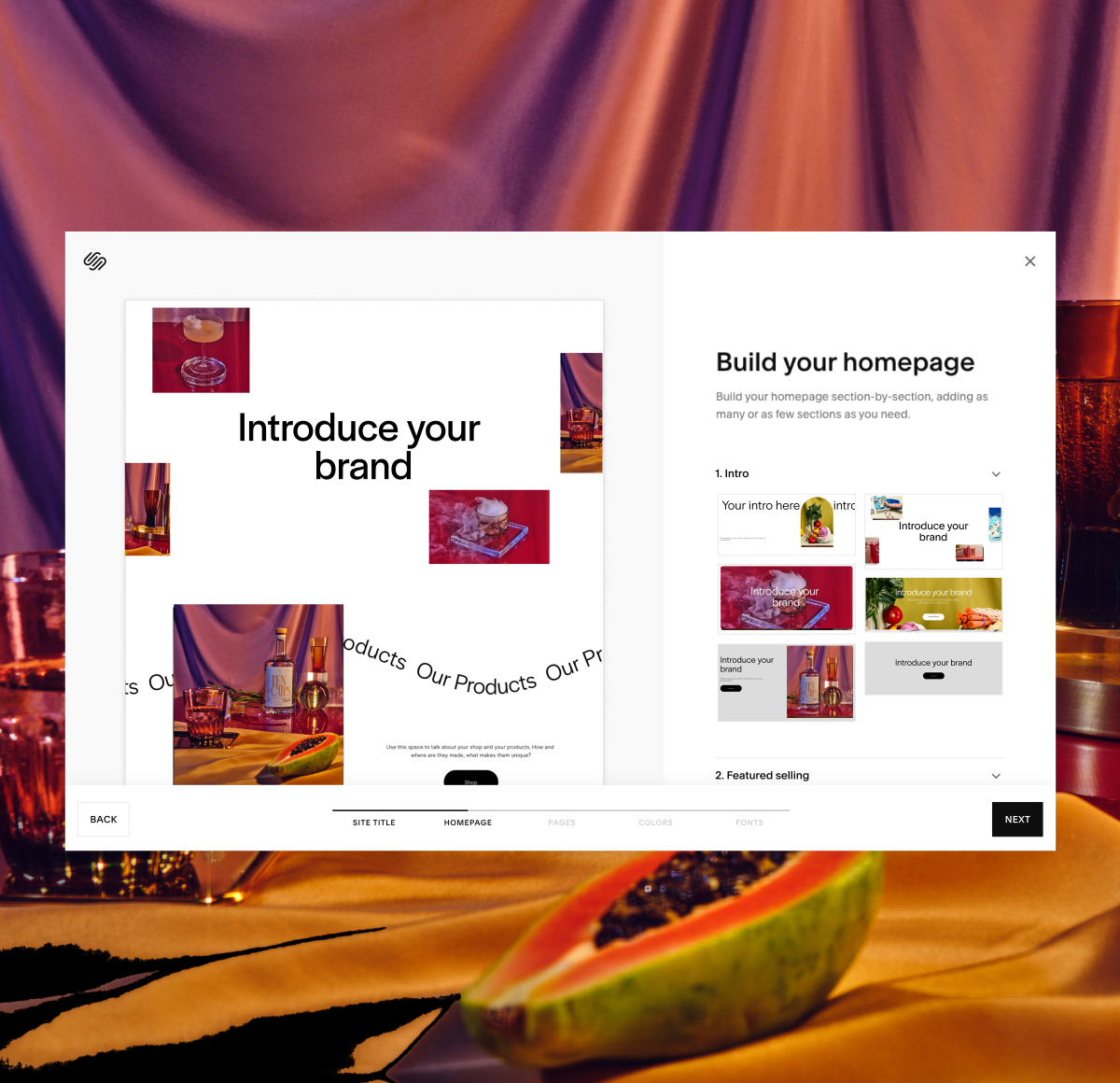
Squarespace is built for people who value simplicity and speed.
You can sign up, choose a template, customize your pages, and publish your website in the same hour. No coding, no hosting confusion, no technical steps.
✘ WordPress
With WordPress, the process is longer and more complicated.
You must buy hosting, connect domains, install themes, configure plugins, fix errors, and handle updates. Great for developers — not so great for beginners.
✘ Webflow
Webflow is powerful but feels like using a design software.
Not ideal if you want fast setup without studying tutorials for days.
Winner: Squarespace — fastest, easiest, frustration-free.
2. Design Aesthetics: Does Your Website Actually Look Good?
Your website’s design determines how users perceive your brand. A clean, modern layout builds trust instantly.
✔ Squarespace
Known for award-winning, premium templates.
Every design looks like it belongs to a luxury brand — minimal, classy, and highly polished. That’s why so many photographers, artists, coaches, and businesses prefer Squarespace.
✘ Wix
Wix offers many templates, but quality is inconsistent.
Some designs look modern, while others feel outdated.
✘ WordPress
Quality depends on the theme you buy — risks include bad code, slow loading, and too many plugins.
✔ Webflow
Amazing design flexibility, but only if you have advanced skills.
Winner: Squarespace — the best-looking designs with zero effort.
3. Customization: How Much Flexibility Do You Have?
✔ Squarespace
Squarespace gives you the perfect balance:
- Drag-and-drop editing
- Custom blocks
- Style editor
- Custom fonts
- Global color palette
- Mobile-first layouts
For most users, this is more than enough.
✔ WordPress
WordPress offers unlimited customization — but with plugins, code, and technical headaches.
✔ Webflow
Most flexible platform ever created, but requires design knowledge.
✘ Wix
Customization is easy, but can get messy and inconsistent.
Winner: Depends on your skill level — but for 90% of users, Squarespace wins because it’s “customizable without chaos.”
4. Blogging: Which Platform Is Best for Content Creators?
✔ Squarespace
Squarespace has an underrated but extremely powerful blogging system:
- Clean writing interface
- Built-in categories & tags
- SEO fields
- Scheduled publishing
- Featured posts
- Podcast RSS
- Newsletter tools
It’s perfect for travel bloggers, food bloggers, lifestyle writers, business owners, and creators.
✔ WordPress
Still the king if you want maximum blogging power, multiple plugins, and advanced SEO — but it requires more work.
✘ Wix
Good for small blogs but lacks depth and scalability.
Winner: Tie between Squarespace (simplicity) and WordPress (advanced)
5. eCommerce: Selling Products or Services?
✔ Squarespace
Squarespace Commerce allows you to sell:
- Physical products
- Digital downloads
- Services
- Appointments
- Subscriptions
- Memberships
You also get:
- Built-in checkout
- Inventory management
- Customer accounts
- Discounts & coupon system
- Tax + shipping tools
Everything feels smooth, modern, and on-brand.
✔ Shopify
Shopify is best for large eCommerce stores with thousands of products.
✘ Wix / WordPress WooCommerce
Wix is limited.
WooCommerce requires many plugins + updates + technical fixes.
Winner:
For small & medium stores → Squarespace
For huge stores → Shopify
6. SEO Performance: Can You Rank on Google?
✔ Squarespace
Squarespace has excellent SEO infrastructure:
- Clean code
- Fast hosting
- SSL included
- Automatic mobile optimization
- Built-in sitemap
- Easy meta tags
- Image alt-text
Most websites rank perfectly fine on Squarespace without extra tools.
✔ WordPress
Stronger SEO if you add plugins like RankMath or Yoast.
✘ Wix
Wix SEO is okay but less efficient for competitive niches.
Winner: Squarespace for beginners, WordPress for experts.
7. Security & Maintenance: How Much Work Do You Need to Do?
✔ Squarespace
Zero maintenance.
Squarespace handles everything:
- Hosting
- Security
- Updates
- Performance
- Backups
You just focus on your content and business.
✘ WordPress
You must handle:
- Plugin updates
- Theme updates
- Hosting management
- Backup plugins
- Security plugins
- Malware issues
✔ Wix
Also zero maintenance, but less powerful overall.
Winner: Squarespace — stress-free management.
8. Pricing: Which Platform Gives the Best Value?
Squarespace pricing includes EVERYTHING:
- Hosting
- Templates
- Security
- Blogging
- E-commerce
- Support
- Analytics
WordPress seems cheap in the beginning, but after adding hosting + theme + plugins + paid extensions, it becomes more expensive.
Wix pricing increases as you add features.
Webflow is the most expensive long-term.
Winner: Squarespace — best value for practical users.
9. Customer Support
✔ Squarespace
24/7 email support + live chat + tutorials + guides.
Fast responses and very helpful.
✘ WordPress
No official support. You rely on forums.
✔ Webflow
Good support, but mostly technical.
✘ Wix
Slow response times.
Winner: Squarespace
Final Verdict: Should You Choose Squarespace?
Absolutely — if you want a website that is:
- Easy to build
- Easy to maintain
- Beautiful by default
- Professional looking
- SEO-ready
- Secure
- Affordable
- All-in-one
- Reliable for long-term growth
Squarespace gives you everything required to launch a powerful online presence without complexity.
It’s the best choice for 90% of users, including:
- Bloggers
- Small businesses
- Coaches & consultants
- Travel creators
- Photographers
- Designers
- Online store owners
- Personal brands
- Portfolio websites
You don’t need coding.
You don’t need plugins.
You don’t need developers.
Just your idea — and Squarespace brings it to life beautifully.
Ready to Build Your Website on Squarespace?
You can start today without paying anything. Squarespace offers a free trial — no credit card needed.
👉 Start your Squarespace free trial here
👉 Build your website in minutes
👉 Publish when you’re ready