


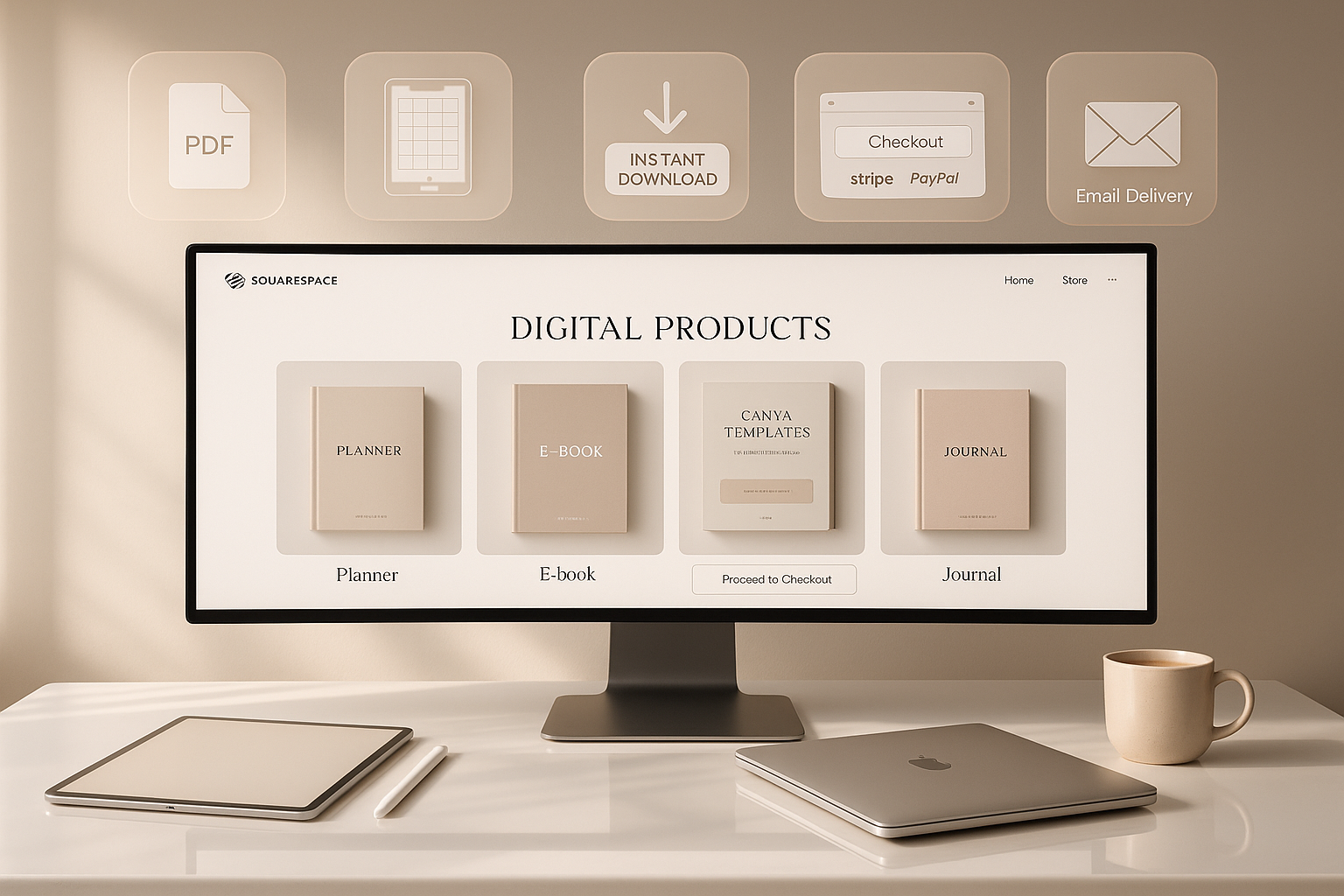
Selling digital products has become one of the easiest ways to build passive income, and Squarespace is one of the smoothest platforms to do it. Whether you want to sell e-books, design templates, presets, PDFs, online courses, or planners, Squarespace provides everything in one dashboard—store setup, payment system, landing pages, and order automation. If you’re a beginner looking to start your first digital product business without coding, this guide will walk you through the complete process.
Why Choose Squarespace for Digital Products?
Unlike other platforms where you need multiple plugins and add-ons, Squarespace is clean and minimal. You get built-in email marketing, checkout pages, product delivery automation, and beautiful templates ready to use. This means zero technical stress and more focus on creating products instead of fixing tools.
Another benefit: Squarespace charges no marketplace commission like Etsy or creative platforms. You keep your full earnings, minus basic transaction fees.
Step-by-Step Setup to Sell Digital Products
1. Build Your Website Store Page
Select any premium or free Squarespace store template and customize it. Add:
- Brand name
- Store layout
- Colors and fonts
- Product highlights
Even if you don’t understand designing, drag-and-drop editing makes setup easy.
2. Add Your Digital Products
Go to:
Dashboard → Commerce → Products → Add Product → Digital
Now upload your file form:
- PNG
- ZIP
- MP4
- Canva templates
- PLR files
Set a price and add descriptions explaining what buyers will receive after purchase.
3. Automate Delivery
Squarespace instantly sends download links to customers after payment—no manual sending, no emailing, and no time wasted. You can even set download expiration dates for digital protection.
4. Connect Payments
Squarespace supports:
- Stripe
- PayPal
- Apple Pay
- Card payments
Once connected, you can receive payments globally.
How to Increase Your Sales on Squarespace
A. Create SEO-Optimized Product Descriptions
Use keywords like:
- Digital planner download
- Canva template bundle
- Printable journals
- Instagram reel presets
These help your products rank organically and bring more buyers.
B. Use Landing Pages
Instead of sending visitors to your home page, send them to a single digital product landing page with:
- Clear benefits
- Price display
- Product samples
- Instant buy button
This boosts conversions instantly.
C. Offer Discounts and Bundles
Squarespace lets you create discount codes and product bundles:
- Buy 2 get 1 free
- 25% off for first buyers
- Early-bird pricing
Bundles work extremely well for digital sellers because your cost remains zero while profit multiplies.
Marketing Your Digital Products on Squarespace
Email Automations
Use Email Campaigns to send:
- Product updates
- New launches
- Flash sales
- Free sample downloads
Once someone joins your email list, automations handle everything.
Instagram & Pinterest Promotion
Share mockups, product previews, and testimonials. Squarespace even lets you embed social feeds directly into your website.
Blogging for Sales
Write niche blogs like:
- “Best Canva Templates for Small Business Owners”
- “Daily Digital Planner for Busy Students”
- “Preset Filters to Edit Travel Photos Quickly”
Add your product links inside these blogs to drive continuous, evergreen sales.
Final Thoughts
Selling digital products through Squarespace is not just easy—it’s scalable. It takes away tech headaches, store setup confusion, plugin failures, and messy integrations. All you need is a good product and basic marketing.
If you’re looking to build a digital shop that runs smoothly and earns even while you sleep, Squarespace is genuinely worth starting with. Launch your first digital product, automate your downloads, and start building passive income with confidence.
